
What if the reason your WooCommerce store isn’t growing as fast as you hoped is simply because you’re missing the right plugins? It happens more often than people admit. A store launches with excitement. Products are added. Marketing starts. Traffic even shows up. But something feels off. Customers browse a little then leave. The cart stays empty. Sales trickle instead of flowing.
Most store owners think the problem is pricing or advertising. Sometimes it is. But often, the real issue is experience. The way people move through your store. The ease of finding products. The speed of adding items to cart. Even the small things like discounts, file uploads, or quick product previews. These tiny moments matter more than we realize.
WooCommerce itself is powerful. Flexible too. But on its own, it’s only the foundation. The real magic begins when you start adding the right plugins. Tools that improve how customers browse, buy, interact, and come back again later.
In this guide we’ll walk through 10 WooCommerce plugins that help stores grow sales faster. Some improve product discovery. Others create smarter pricing. A few helps with marketing, rewards, or custom product orders. So, if your goal is more sales, smoother shopping, happier customers; all these plugins are worth paying attention to.
1. QuoteX – WooCommerce Request a Quote

Some customers don’t want to buy immediately. Especially in B2B environments. They want to ask questions. Negotiate pricing. Maybe order in bulk. QuoteX allows them to do exactly that.
Instead of forcing a purchase, the store lets customers request a quote. They add products to a quote list and submit their request. Then the conversation begins.
For businesses selling large equipment, custom products, or wholesale goods, this process feels much more natural. It mirrors how deals happen offline.
The plugin helps capture these opportunities rather than losing them. A hesitant customer becomes a potential negotiation. Sometimes those quotes turn into the biggest orders.
2. WooCommerce Product Table

Imagine visiting a store with hundreds of products but everything is hidden behind pages and pages of clicks. Frustrating, right? Customers feel the same when browsing a typical WooCommerce grid layout. That’s where WooCommerce product table changes the scenario.
Instead of forcing users to jump between product pages, the plugin displays everything in a clean, searchable table. At first glance it almost feels like a spreadsheet. But smarter. Faster. Customers can scan product names, prices, variations, stock levels all in seconds.
Now here’s where things get interesting. They don’t need to open each product page. They simply adjust quantities and click add-to-cart right there. Multiple items. One page. No back-and-forth navigation.
Wholesale stores love it. Restaurants too. Parts suppliers. Any business with a large catalog suddenly becomes easier to shop. Customers spend less time searching and more time buying. It’s one of those plugins that seems simple until you realize how much time it saves. And in eCommerce, time saved often means money earned.
3. All in One Files Upload for WooCommerce
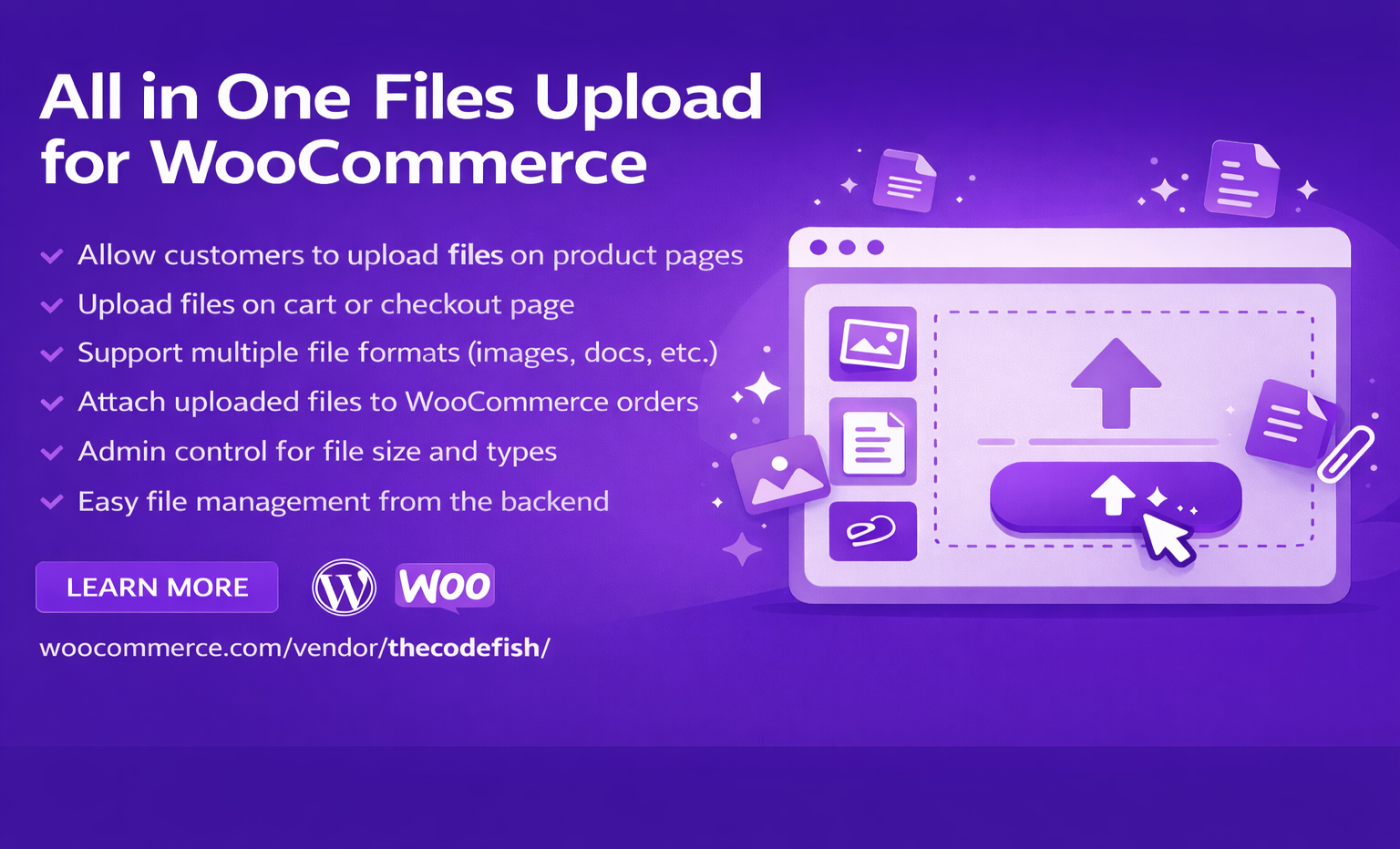
Custom products often require files from customers. Logos. Photos. Design files. Documents. Without the right tools, collecting these files becomes messy. Emails get lost. Attachments disappear. Orders get delayed.
This WooCommerce Custom File Upload Plugin for Ordersfixes that problem gracefully. Customers can upload files directly during the purchase process. Right on the product page or checkout.
For store owners searching for WooCommerce upload files solutions, this plugin is usually one of the first choices. Printing shops use it constantly. Personalized gift stores too. Even agencies offering digital services.
Customers upload what you need. The order arrives complete. Work begins immediately. No chasing emails. No confusion. Just smooth order processing.
4. Add to Cart Popup for WooCommerce

A customer finally adds something to the cart. Great moment. But what happens next? Usually nothing. Maybe the page refreshes. Maybe they miss the confirmation message. The excitement fades quickly.
Add to Cart Popup for WooCommerce turns that small moment into an opportunity. The second an item is added, a popup appears. Quick. Friendly. It confirms the product and shows options. Continue shopping. View cart. Or check out.
But there’s more. The popup can also suggest related products. Accessories. Complementary items. Small upgrades customers didn’t think about before. A phone case after buying a phone. A lens after buying a camera. Little suggestions that quietly increase the order value.
Customers barely notice the marketing happening behind the scenes. It feels natural. Helpful even. And suddenly the cart holds two or three items instead of one. Simple plugin. But clever.
5. User Role Pricing Manager for WooCommerce
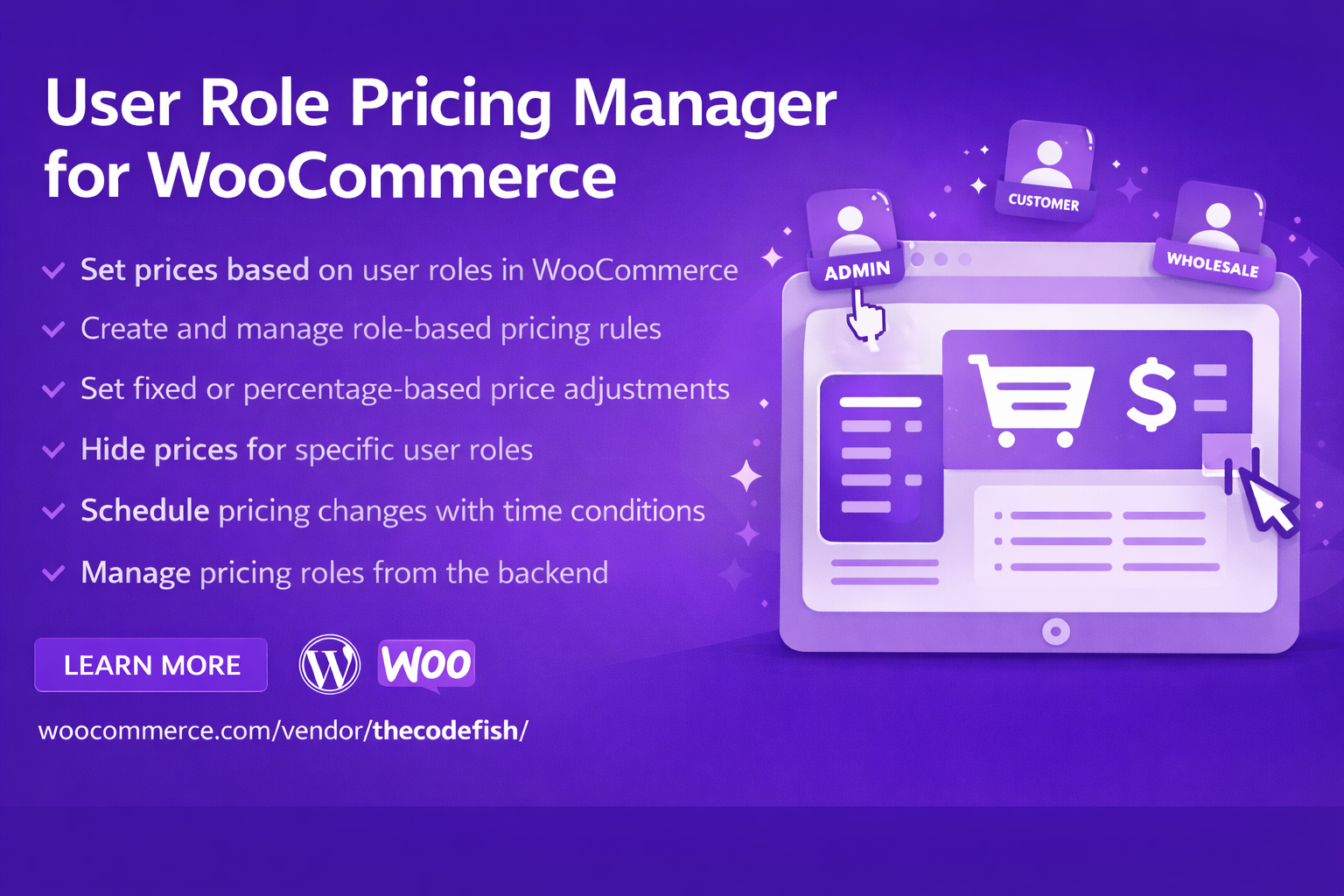
Not every customer should see the same price. That might sound strange at first, but it’s actually common practice in online commerce. Wholesale buyers expect discounts. Loyal members often receive special deals. And regular visitors usually pay the standard price. That’s where User Role Pricing Manager for WooCommerce becomes essential.
The plugin allows store owners to create pricing rules based on user roles. Retail customers see one price. Wholesalers see another. VIP members get exclusive discounts. This is the heart of Role-based pricing WooCommerce strategies. Businesses serving multiple audiences rely on it heavily.
For example, a wholesale buyer logging into the store instantly sees their lower pricing. No coupon codes. No confusion. Just the right price displayed automatically.
Managing these price structures manually would be exhausting. With the plugin, it becomes almost effortless. Sometimes smart pricing alone can double conversions. Strange, but true.
6. OfferPress – WooCommerce Discount Plugin
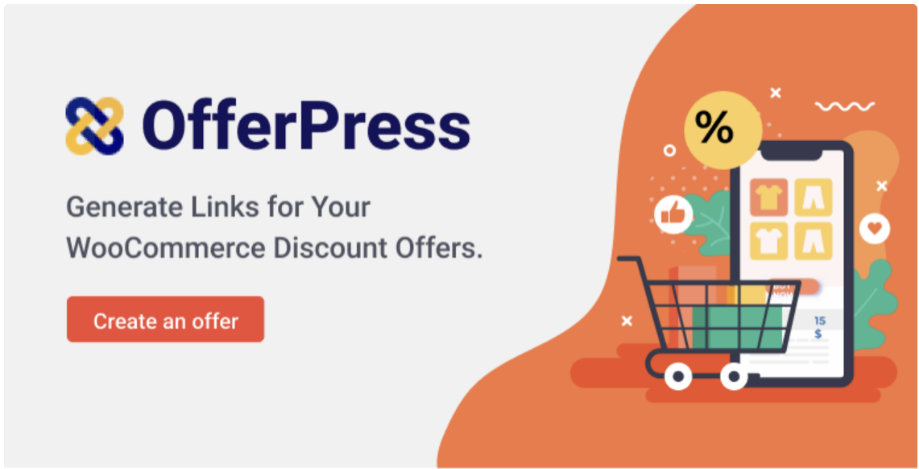
Coupons have been around forever. Yet customers still forget to use them. They misspell codes. They abandon carts before applying the discount. That’s why OfferPress takes a different approach.
Instead of coupon codes, the plugin creates special discount links. Customers click the link and the discount is applied instantly. No typing. No remembering. No mistakes. These links work beautifully in email campaigns. Social media promotions. Even influencer partnerships.
Imagine sending a message like this: “Click here for 20% off today.” The customer clicks. The cart already shows the discounted price. It feels smooth. Almost magical. Marketing suddenly becomes easier too. Every campaign can have its own unique discount link.
7. Cart and Request to Quote for WooCommerce
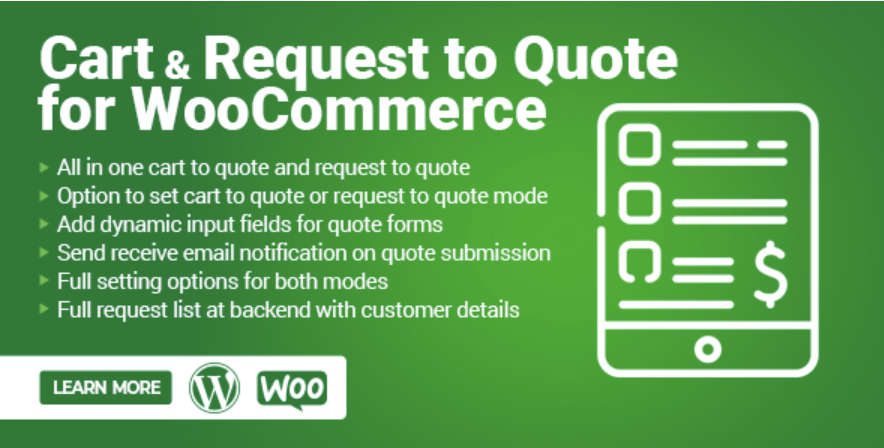
While QuoteX focuses heavily on quote workflows, Cart and Request to Quote for WooCommerce offers a slightly different approach. Here the cart becomes flexible. Customers can either check out normally or convert the cart into a quote request.
This option feels empowering to buyers. Especially when prices vary based on quantity or customization.
Imagine a contractor ordering construction materials. They might add 200 items to the cart but prefer negotiating the final price. With this plugin, that transition happens smoothly.
No confusion. No complicated forms. Just a quick click: Request Quote. The store owner then reviews the request and replies with a tailored offer. Deals like these rarely happen through rigid checkout systems. Flexibility makes them possible.
8. YITH WooCommerce Points and Rewards
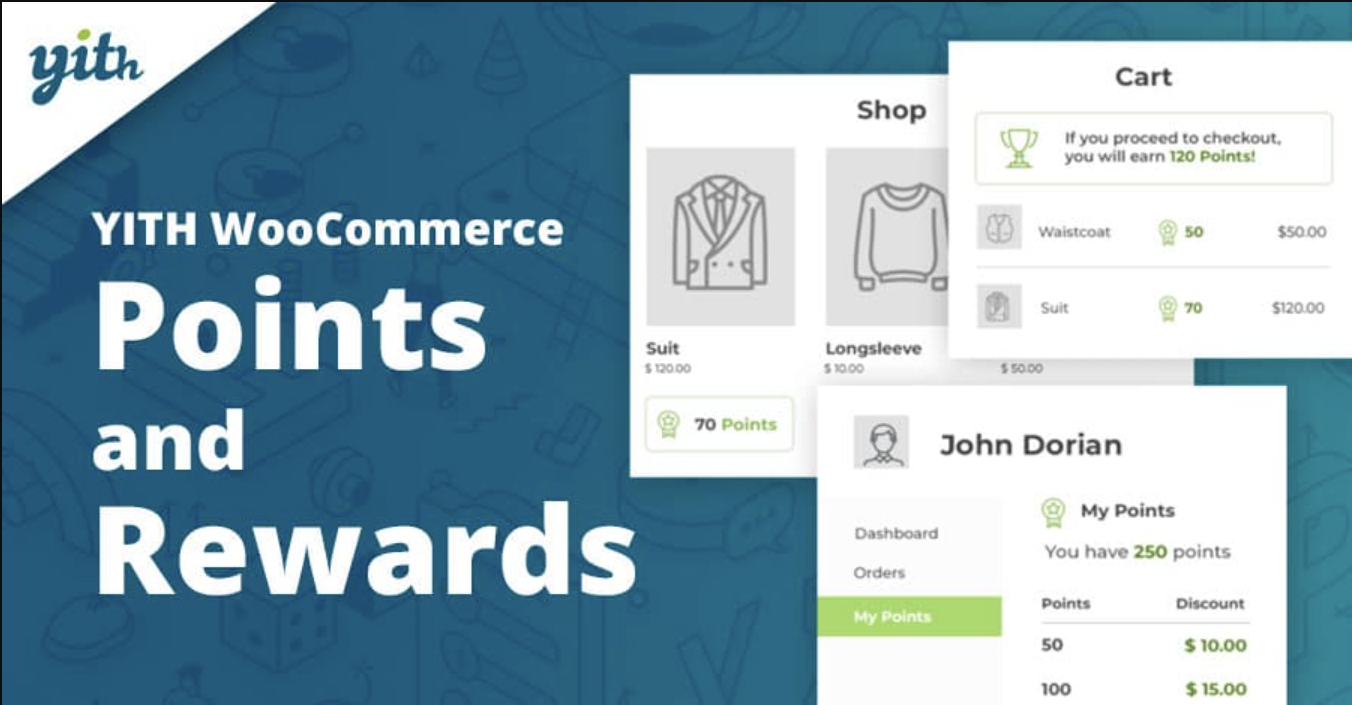
Let’s talk about loyalty for a moment. Customers rarely buy just once if they feel rewarded. That’s where YITH WooCommerce Points and Rewards shines.
Every purchase earns points. Small numbers at first. But they accumulate. Eventually customers realize something interesting. Those points can be redeemed for discounts. Suddenly shopping becomes a game.
“Just one more purchase and I’ll have enough points.”
“Maybe I should buy it now.”
Psychology plays a role here. Reward systems trigger repeat purchases naturally. Businesses using loyalty programs often see stronger customer retention. Not dramatic overnight spikes. But steady growth over time. And honestly, steady growth is what most stores really want.
9. WooCommerce Quick View
Browsing matters more than we realize. When customers have to open a new page for every product, things slow down quickly. Click. Wait. Back. Repeat. The experience becomes tiring.
WooCommerce Quick View solves this by letting shoppers preview product details in a popup window. Images appear instantly. Price. Variations. Add-to-cart button. Everything needed to decide.
Customers move through products quickly. Comparing options without losing their place. Small improvement. Big difference. Faster browsing keeps customers engaged longer. Longer engagement usually leads to more items added to the cart.
10. WooCommerce Product Filters
Large catalogs can overwhelm shoppers. Too many choices, too many pages, too much scrolling. WooCommerce Product Filters act like a navigation compass.
Customers narrow results using categories, price ranges, attributes, or tags. A few clicks and the store suddenly feel organized.
Looking for a red jacket under $50? Easy. Combine this with table layouts or quick view features and the store becomes incredibly efficient.
Customers don’t feel lost anymore. They feel in control. And people who feel in control of their shopping experience are far more likely to complete purchases.
Conclusion
Growing a WooCommerce store rarely depends on one big change. Instead, it’s usually the result of many small improvements working together. Better product discovery. Faster browsing. Flexible pricing. Smarter promotions. Loyalty rewards. Custom ordering options. Each plugin we explored plays a role in shaping that experience.
None of these plugins alone guarantee success. But together, they create something powerful a WooCommerce store that feels fast, flexible, and enjoyable to use. And when customers enjoy the experience they tend to come back. Sometimes that’s the real secret behind growing sales faster.
Click here to read more blogs.
0 Comments